Start where your docs live.
Open an Obsidian vault, a docs repo, or a plain Markdown folder. Keep editing in your favorite tools; external file changes appear in the workspace.
Opening a file leaves its contents untouched.
Open source. Ready for your folder.
Work together.
Keep your files.
Turn your Markdown folder into a shared workspace for docs, diagrams, and decisions. No migration required.
Plain files on disk. A shared space in the browser.
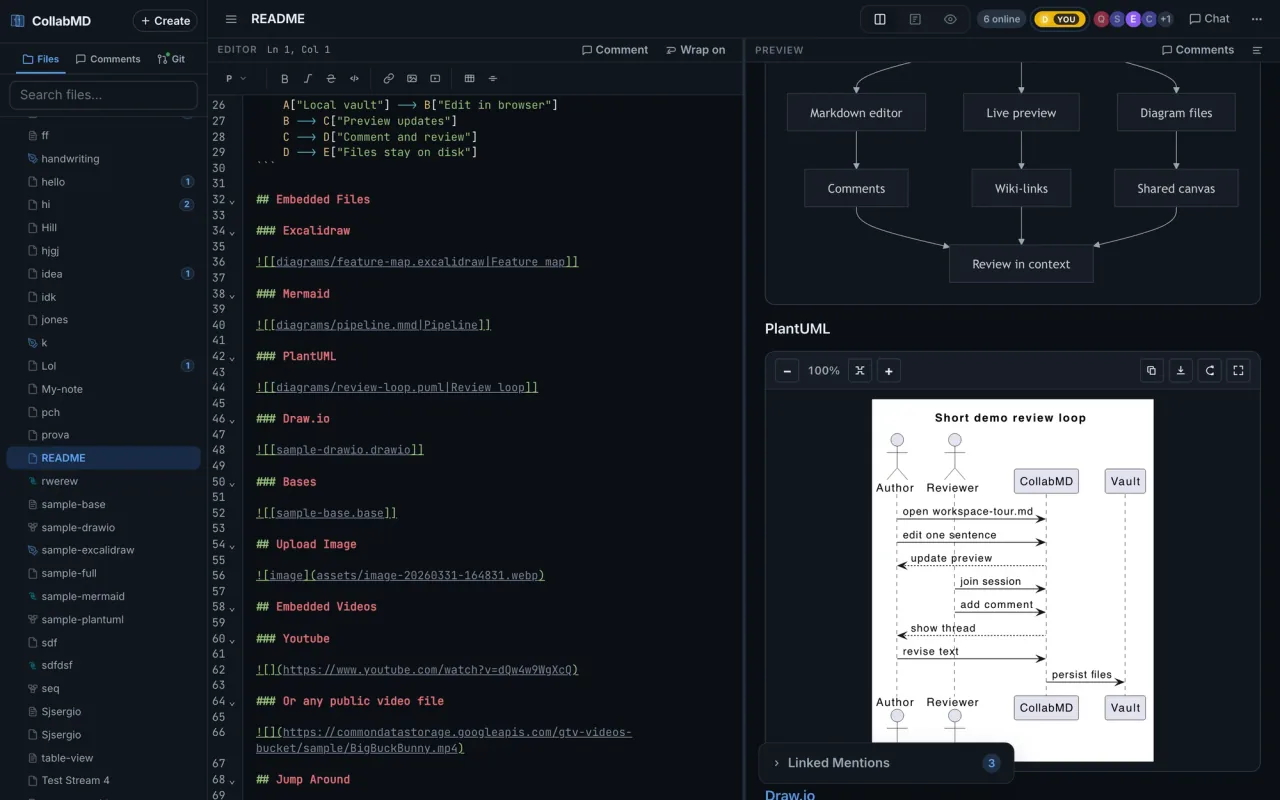
Keep what works. Add each other.
Open an Obsidian vault, a docs repo, or a plain Markdown folder. Keep editing in your favorite tools; external file changes appear in the workspace.
Opening a file leaves its contents untouched.
Edit Markdown in realtime. Follow a collaborator, talk in chat, and anchor feedback to a passage or an Excalidraw element.
Find open discussions in the comment overview.
Connect an MCP client to search, read, edit, and create supported files. Query Bases and inspect or update Excalidraw diagrams.
Connect AI agentsMore than a page of text
Write the RFC, sketch the architecture, and review both in the same workspace.
Multiple vaults
Switch between configured vaults from the sidebar. Each keeps its own files, search, and Git context.
Git review
Review diffs, stage files, and create a commit from the browser when your changes are ready.
Scoped agent access
Protected workspaces use named Agent Connections with read or edit scopes, expiry, and revocation.
See the shared workspace
Watch the editor and preview work together, then open the public demo and try it in your browser.
Try live demoPrefer your own files? Start locally.
Your folder is the starting point
Start on your machine, then share a protected workspace with your collaborators.
macOS, Linux, or Windows via WSL2.
Requires Node.js 26.12.1 or newer for npx; ripgrep for global search. Docker includes the runtime and ripgrep.
npx collabmd@latest ~/my-vault --no-tunnelThen open http://localhost:1234. No global install required.
brew install andes90/tap/collabmd
collabmd ~/my-vault --no-tunnelThen open http://localhost:1234.
docker run --rm -p 127.0.0.1:1234:1234 \
  -v "$PWD:/data" \
ghcr.io/andes90/collabmd:latestRun this from the vault directory, then open http://localhost:1234. The image includes ripgrep.
Documentation
Pick the guide for your next step.
Guides maintained in the GitHub repositoryYour files. Your tools. Your people.